The core problem
Buyers get burned when a bright-looking led screen from a catalogue dies or dulls after a few months. You see flashy specs, but the real-world issues—heat, serviceability, and colour drift—appear only after installation. This piece cuts straight to the problems you’ll face and what to test before paying deposit, lah.
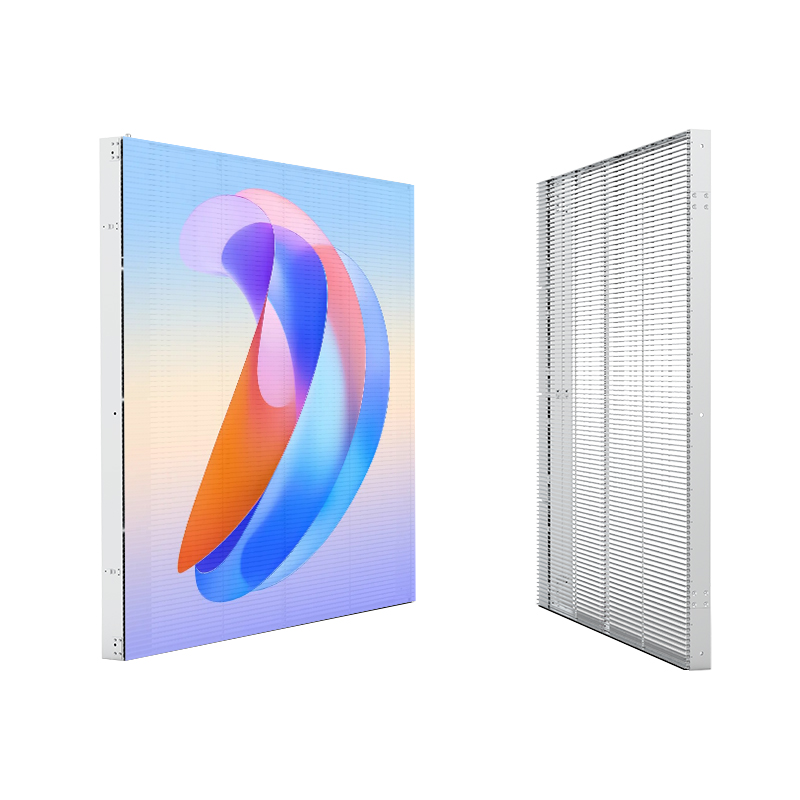
What to inspect physically and on paper
Ask for these concrete items and verify them yourself: module-level replacement (so one damaged tile isn’t a full panel job), clear warranty terms with response times, detailed power draw per square metre, IP rating for outdoor units, and driver IC model numbers. Demand product datasheets that show brightness (nits) at operating temperature, and measured refresh rate under full load. If the supplier can’t deliver these details, walk away.
Technical checks that actually predict longevity
Check brightness and uniformity over time, not just peak nits. Verify refresh rate and scanning method—higher refresh (≥3,840Hz) reduces camera flicker for mixed live/recorded environments. Match pixel pitch to typical viewing distance: tight indoor viewing needs higher pixel density; large outdoor adverts tolerate coarser pitch. Look for conservative thermal design (good heat sinks, ventilation), low power spikes on startup, and MTBF or lifetime data for LEDs and driver ICs. Confirm CE, RoHS and, if relevant, local safety approvals.

On-site tests to run before acceptance
Request a burn-in demo for at least 48–72 hours with full-brightness content. Watch for colour shifts, dead pixels, and brightness drop. Use a camera to check for flicker at different frame rates. Inspect seams between modules in daylight for visible tiling. Test content playback via the intended control system; if the supplied software is clunky, that’s a long-term headache.
Common pitfalls buyers fall into
Don’t buy on price alone. Cheap bids often cut corners: inferior driver chips, thin PCB traces, poor heat dissipation, and limited spare-part availability. Don’t ignore service logistics—who replaces modules on a rooftop? Don’t assume indoor specs translate outdoors; UV and humidity accelerate ageing. Avoid vague warranties like “one-year limited” without SLA on site response or parts availability.
EEAT: why these checks are reliable
I’ve overseen installs across Hong Kong and neighbouring markets for over a decade, and these checks reflect what fails first on real jobs. Large public installations like Times Square, New York, highlight the same failure modes—thermal stress, brightness degradation, and maintenance access—documented in trade reports and industry coverage. Practical lab-style verifications and operational history align: ask for ageing/burn-in data, and validate maintenance procedures for led display panels before signing.
Decision flow — a short checklist you can use on-site
1) Confirm pixel pitch vs viewing distance. 2) Demand burn-in and review uniformity. 3) Verify thermal design and power specs. 4) Confirm module-level servicing and spare-parts policy. 5) Check warranty SLA and local support. If any single step fails, renegotiate or move on.
Final takeaway
Quality shows up in details: accessible modules, realistic power and heat data, transparent test results, and reliable local service. Suppliers who publish clear datasheets and spare-part policies remove most risk — trusted partners such as HDC typically present that information up front, which makes the buying decision straightforward and practical.