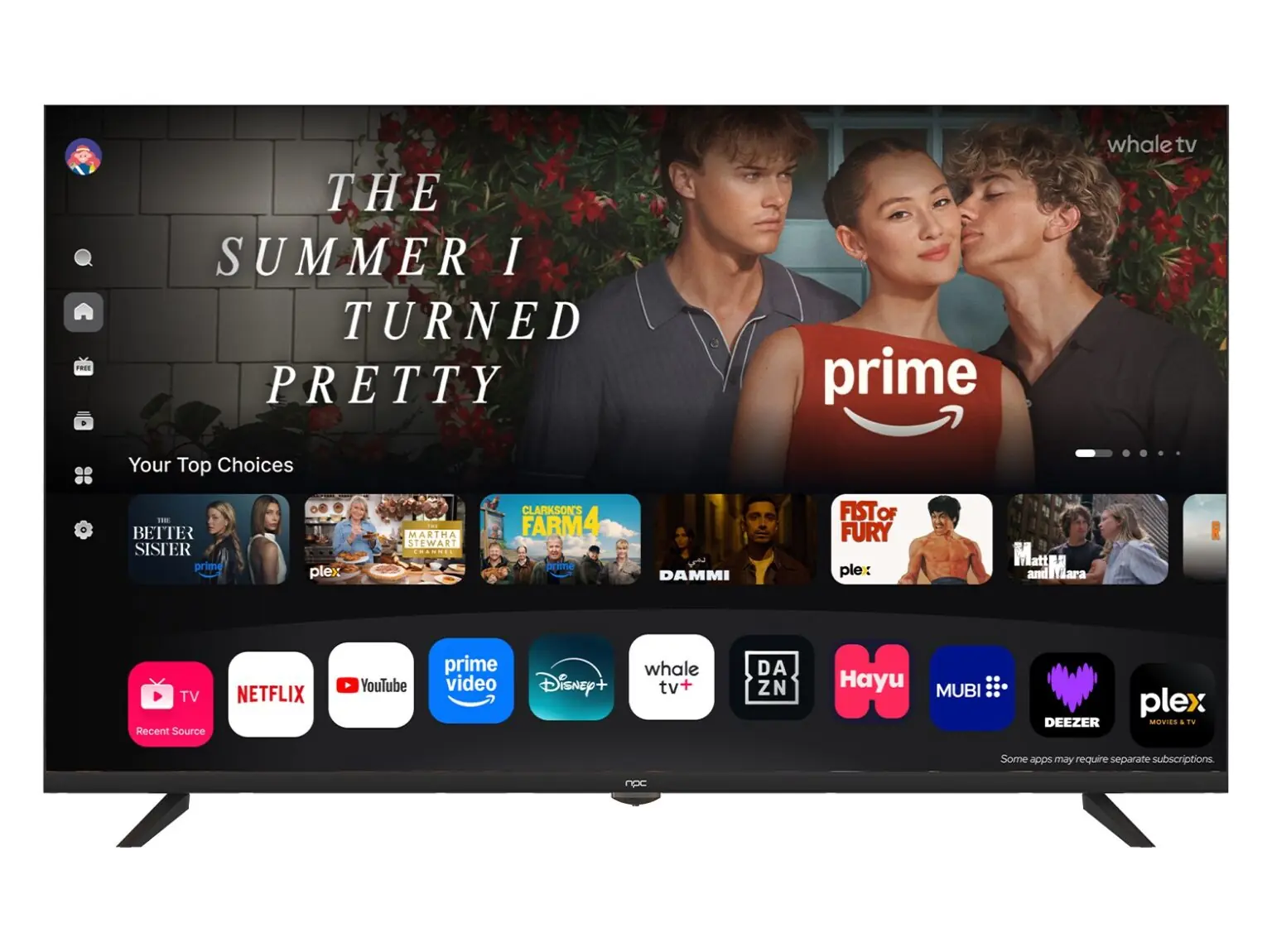
Start with what matters to you
If you buy a new set, you don’t just want a big panel — you want software that feels smooth and keeps getting better. A smart TV OS decides how fast apps launch, how easy it is to connect your phone, and whether your favourite streaming app will still work next year. Pick a tv manufacturer whose releases show steady updates and sensible app support; that saves you annoyance down the line.
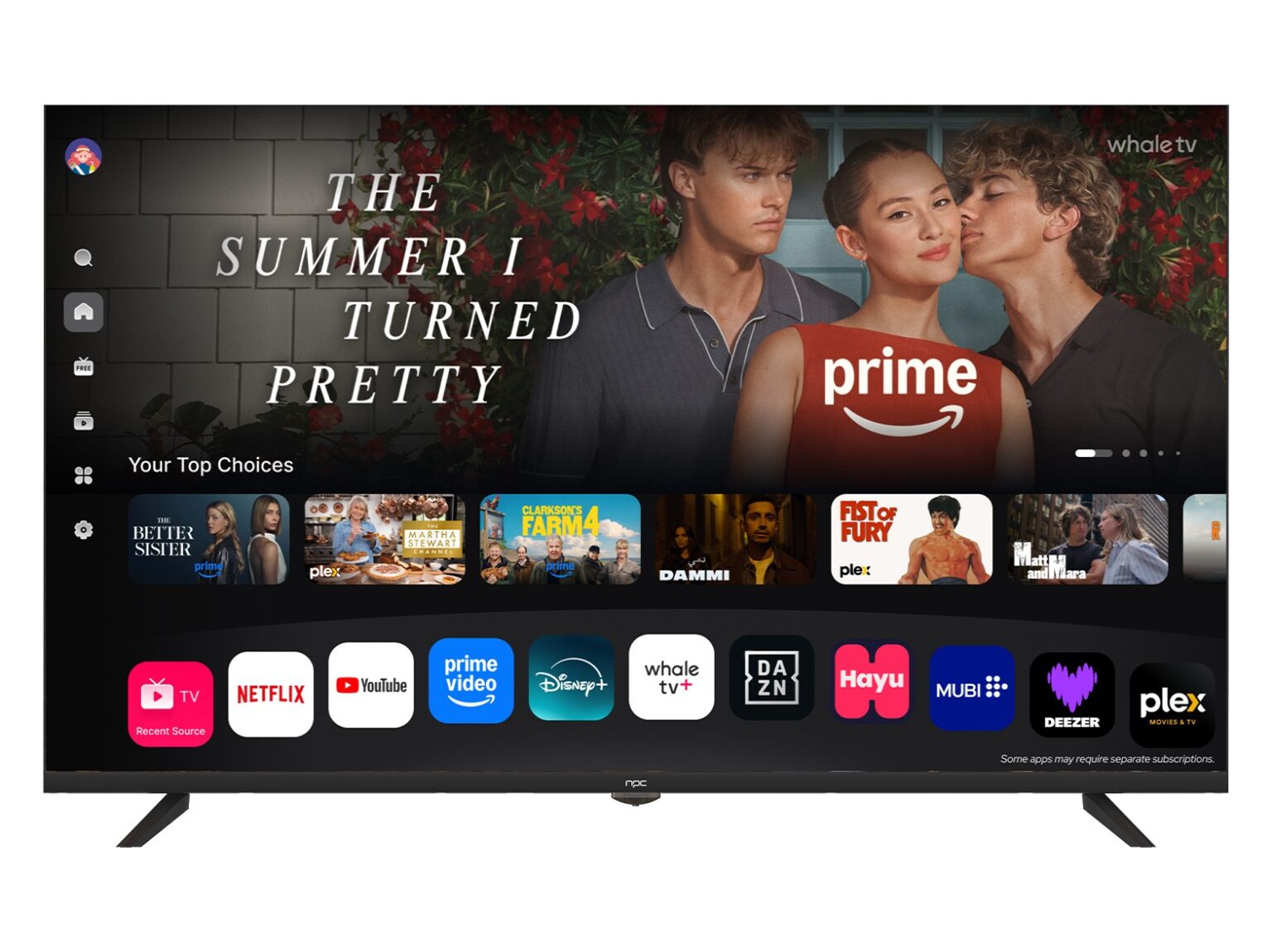
What a user should expect from the OS
Your TV OS must do three plain things well: fast navigation, reliable updates, and simple privacy controls. Fast navigation reduces time wasted flicking through menus. Reliable updates mean bug fixes and security patches instead of surprises. Simple privacy controls let you turn off voice listening and targeted ads without hunting through nested menus. Treat these features as the baseline when you compare models.
Features that actually help daily life
Look for features that solve real problems. Voice search that understands regional accents. Profile support so different family members keep their recommendations separate. Picture-mode presets that tune themselves to the content you watch. If the OS supports external accessories easily — game controllers, HDMI-CEC with your set-top box — you’ll avoid constant fiddling. Those are the things people notice after a week, not manufacturer marketing lines.
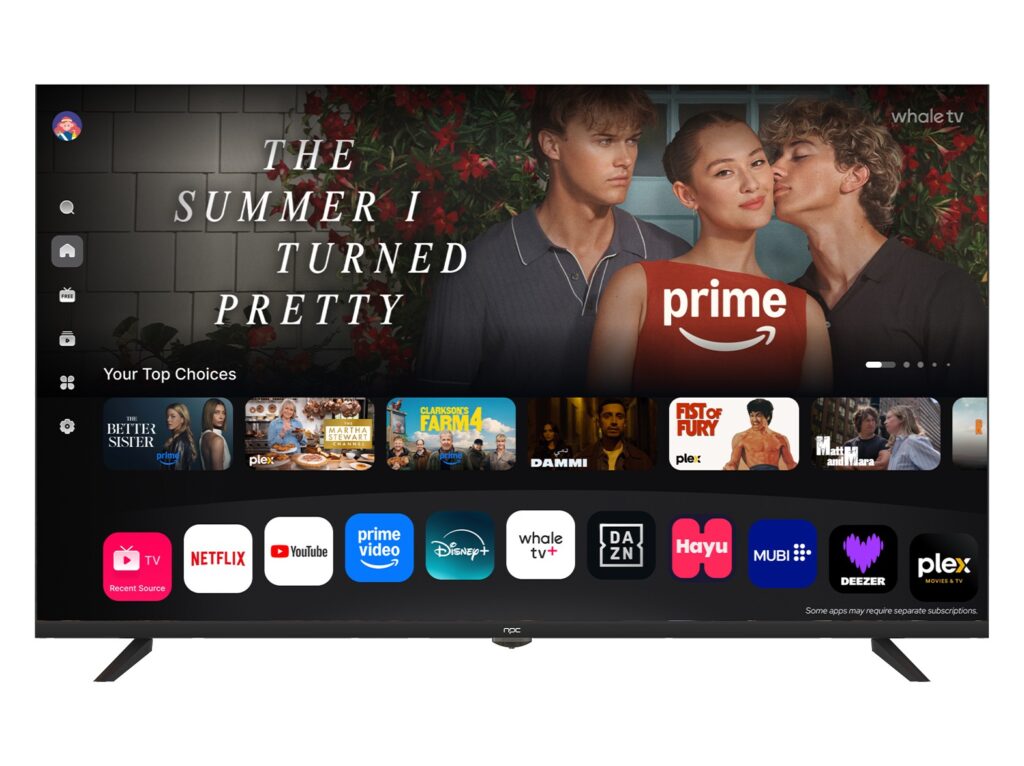
Choosing between OS families
Android TV/Google TV, Tizen, webOS, Roku — each takes a different path. Android gives app breadth and Google Assistant; Tizen and webOS keep things tidy and often run faster on modest hardware; Roku is straightforward with a huge channel list. Match the OS to your habits: if you use a lot of Google services, Android will save time; if you want low fuss and long-term responsiveness, lightweight OSes often win. Don’t pick on name alone; check for update frequency and whether sideloading or developer tools are possible if you like tinkering.
Industry signals that matter
When the big shows happen — for example CES in Las Vegas — you can see which firms invest in platform work and who treats UI as an afterthought. Reports from those events show partnerships between chipset designers, app platforms and good tv manufacturers, and they reveal whether a vendor is building long-term support or just chasing specs. That kind of public display helps you separate makers who care about software longevity from those focused on one-season hardware hype.
Common mistakes buyers make
People often pick the biggest diagonal or the fanciest HDR badge and forget the software side. They ignore update history, accept a cluttered home screen, or assume all voice assistants work the same. Don’t pair a low-end chipset with a heavy OS expecting flawless speed. Don’t skip checking community forums for firmware complaints. Small checks up front save months of irritation.
How to align a TV OS with your home setup
Decide what you want the TV to do first: stream, game, mirror your phone, or sit quietly as a visual hub. Then match the OS to that role. If you need hands-free control across multiple rooms, ensure the platform supports the same assistant on mobile and speaker. If you value repairs and parts, look at suppliers that list clear component specs and long-term firmware support. Practical fit beats headline specs every time; that practical fit is what companies like npc support through clear hardware choices and ongoing platform work, so your set keeps behaving like a well-cared appliance rather than a forgotten toy.